
Work together, without the email chain.
Share an AI chat directly with your team. They see the full history, pick up where you left off, and the AI keeps everyone in context. No forwarding, no copy-pasting, no version confusion.
Start free trial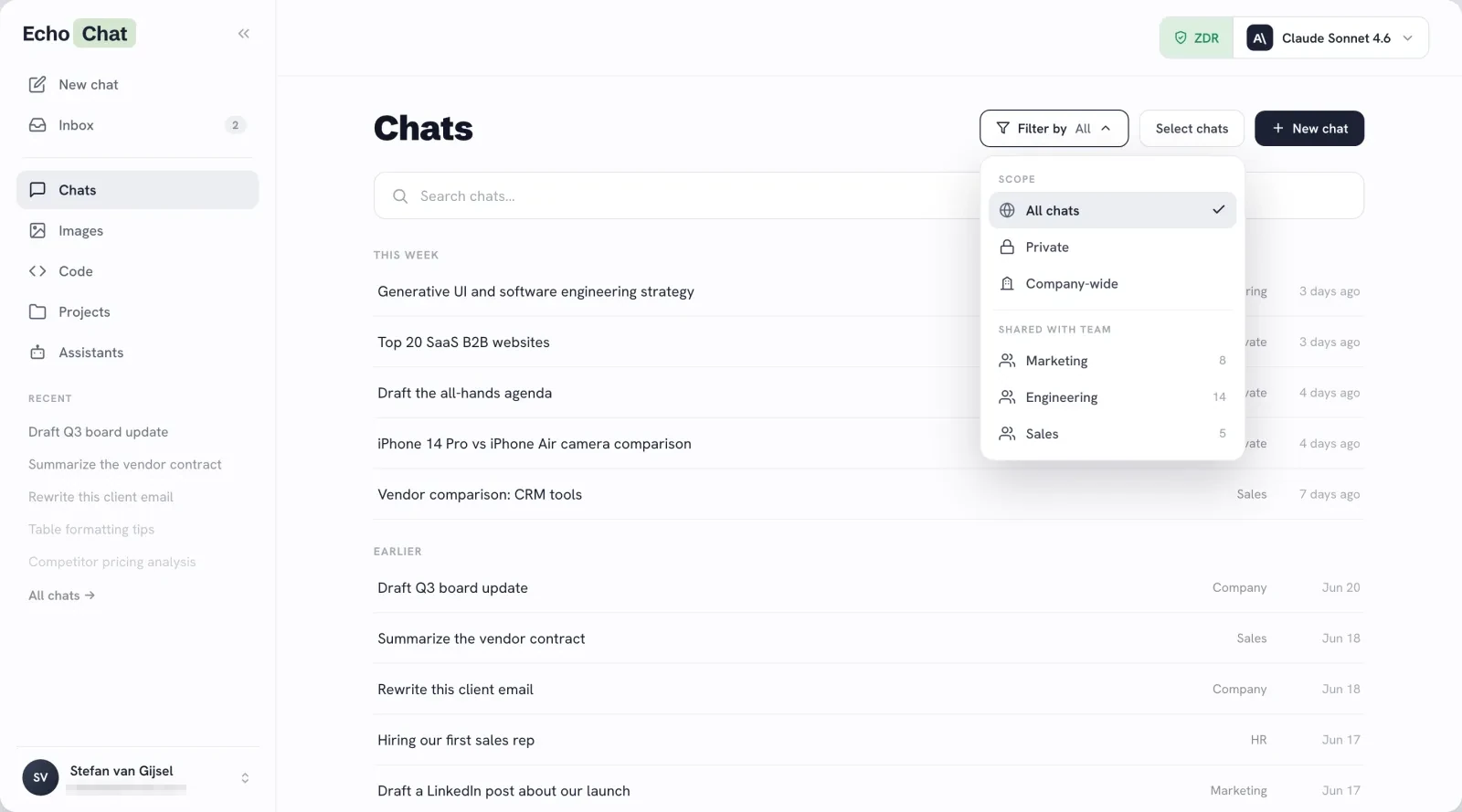
Share the chat, with one link.
When you share a chat with a team, everyone gets the full conversation history. They can ask follow-up questions, the AI keeps context, and you can see who said what. A group conversation with AI at the centre.
- Private by defaultEvery chat starts as yours alone. Share only when you choose to.
- Share with a team or the whole orgSend to a specific department or broadcast to everyone in your workspace.
- Everyone sees who sent whatMember names appear on each message. No confusion about who asked what or when.
- Pull back any timeThe chat owner can make a shared chat private again with one click.
Projects: one workspace, every conversation
A project groups related chats under one shared context. People work in separate chats at the same time, each with the AI, all drawing from the same knowledge base. Research from one chat flows into the next. No handoffs, no repeated briefing.
- Parallel work, no conflictSeparate chats run side by side inside one shared project.
- Shared knowledge, research that carriesUpload once and reuse everywhere. Findings in one chat become knowledge for the rest.
Build an assistant once, the whole team benefits.
Custom assistants can be shared with a team just like a chat. Build one tuned to your brand voice, your internal processes, or your product knowledge. Share it, and everyone works with that expertise straight away.
- Shared assistantsShare with specific teams or the whole org. Everyone benefits from your configuration immediately.
- Shared files and imagesAttach documents and media in context, not as an email attachment everyone has to dig for.
Give your team AI that connects them.
Shared chats. Shared knowledge. No email chain required.